

Screensavers
Showing 1-24 of 1,561 screensavers
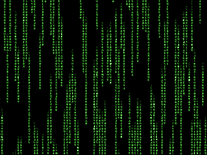

 The Matrix 330,053x Free, for Windows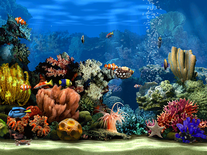
 Living Marine Aquarium 2 341,475x Free, for Windows
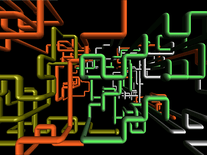 3D Pipes 160,379x Free, for Windows
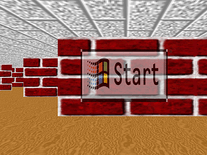 3D Maze 140,049x Free, for Windows
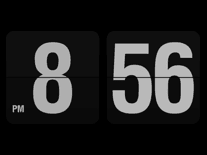 Fliqlo Flip Clock 978,769x Free, for Windows, Mac
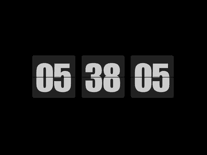 Flip Clock 136,335x Free, for Windows
 Underwater 145,200x Free, for Windows
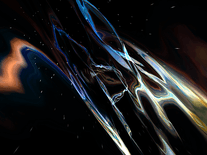 Hyperspace 115,449x Free, for Windows, Mac
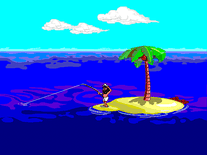 Johnny Castaway 71,289x Free, for Windows
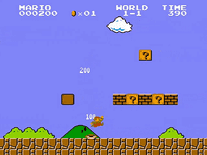 Super Mario Bros 43,361x Free, for Windows
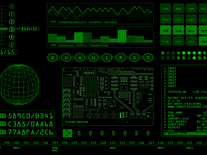 Retro Sci-Fi 126,273x Free, for Windows
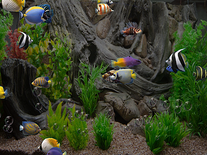 zz Aquarium 2 27,033x Free, for Windows
 Helios 139,119x Free, for Windows, Mac
 After Dark: Flying Toasters 66,073x Free, for Windows, Mac
 Another Matrix 216,564x Free, for Windows
 Countdown 63,413x Free, for Mac, Windows
 High Fly 35,518x Free, for Windows
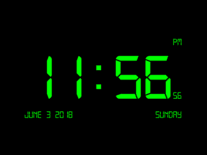 Digital Clock-7 59,564x Free, for Windows
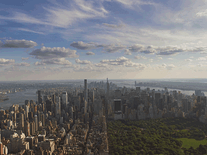 Apple TV Aerial Views 126,813x Free, for Mac, Windows
 Aurora 21,485x Free, for Windows
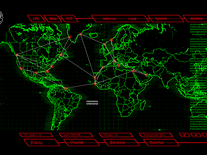 24 CTU Display 3 76,410x Free, for Windows
 Matrix Rain 71x Free, for Windows
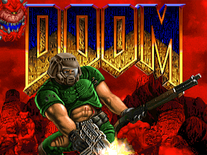 Doom 1,424x Free, for Windows
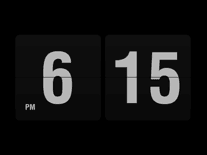 FlipIt Flip Clock 81,824x Free, for Windows