Japanese Garden
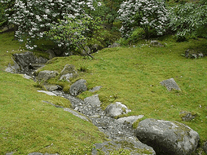
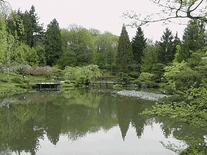
A slideshow screensaver with forty-three photos of a Japanese garden with characteristic stone lanterns, water basins, sculpted trees and trimmed bushes. Any of the included photographs can be used as your desktop wallpaper, and the transition effects used can be shortened and customized to your preference

 Free
Free  6.59 MB
  for Windows
  946
946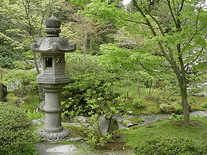
Message board
Do you have a question about this screensaver? Post it on our message board »
Installation instructions
Microsoft Windows
- Double-click on the file you downloaded to start the Japanese Garden install program.
- Click "Setup!" to begin installing, then click "OK" to exit the program.
- This is now your default screensaver, and its configuration panel will now automatically open.
Anti-virus report for Japanese Garden
Our editors have reviewed all files and found them to be safe, but they are also checked automatically using many different virus scanners. We are happy to share the results.
| Virus scanner | japanesegarden.exe |
|---|---|
| AVG | |
| Avast | |
| Avira | |
| BitDefender | |
| ClamAV | |
| ESET-NOD32 | |
| F-Secure | |
| Kaspersky | |
| Malwarebytes | |
| Microsoft | |
| Panda | |
| Symantec | |
| TrendMicro | |
| Webroot | |
| Last scanned | 2 weeks ago |
We have 1 file for "Japanese Garden"
- japanesegarden.exe (Windows)
| File report #1 | |
|---|---|
| File name | japanesegarden.exe |
| Target system | Microsoft Windows |
| File size | 6.59 MB (6,911,682 bytes) |
| File type | Portable Executable (EXE) |
| Anti-virus | |
| Detection ratio | 0/14 (0%) View report |
| Popularity | |
| Total downloads | 946 |
| Last downloaded | 3 days ago |
| File verification | |
| MD5 | efa805f417c28ec45faa2bc4d76a650d |
| SHA1 | f8e9d20c7edfa75acd34f16deb957006b49ba181 |
| SHA256 | db8d816f8a1c932ab80668bf8ab0d7d06968e6b276aceba0a7be2272bee81942 |
User reviews (0)
No reviews have been written yet for this screensaver. Will you be the first to write one?